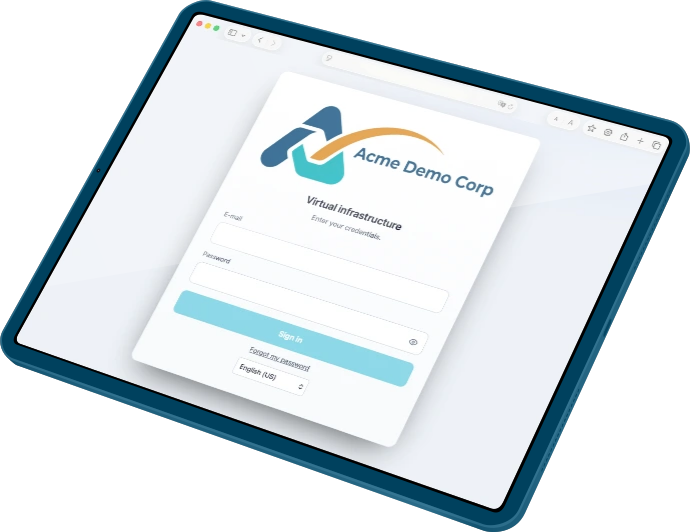
You are logged in.
Click on the icon in the top to view you account. You can order and get help from the main menu
The customer panel for Proxmox
Control exactly who accesses what, and enforce VM configuration standards across every cluster. Your customers get the tools they need: VM creation, OS reinstall, allocate capacity, snapshots and backups — isolated within resource pools you define. Integrated billing tracks and invoices usage automatically.
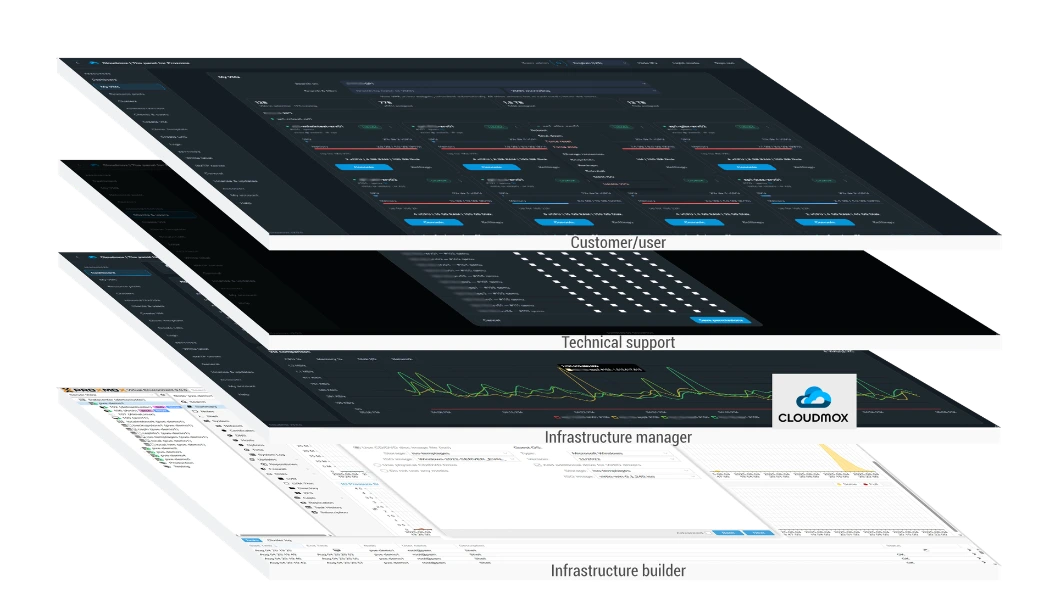
Suitable management for every discipline
Infrastructure is built and used by people with different roles and knowledge. Your customers get easy access to VMs via a portal in your branding. First line support can have easy access to the relevant info and controls to support your customers while infrastructure managers keep an overview. Cloudmox never interferes with the infrastructure builder or the features in Proxmox like HA, DRS or any manual setting. You are in control, Cloudmox follows.
Intelligent and accessible management
Cloudmox offers a smooth whitelabel experience for VM management and usage insights. No installation is required, and you can get started quickly, allowing you to immediately ensure:
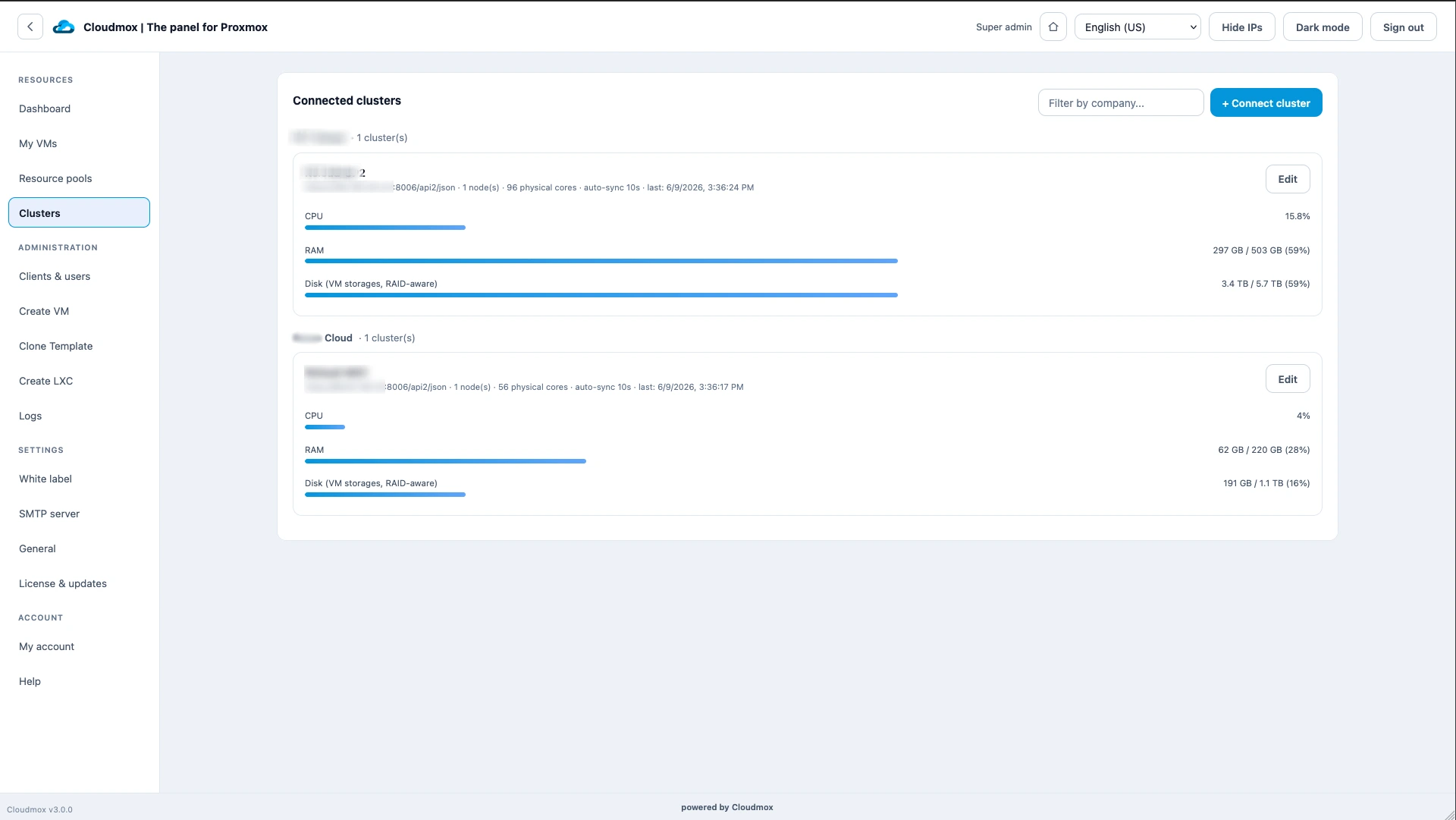
- Centralisation of cluster usage info;
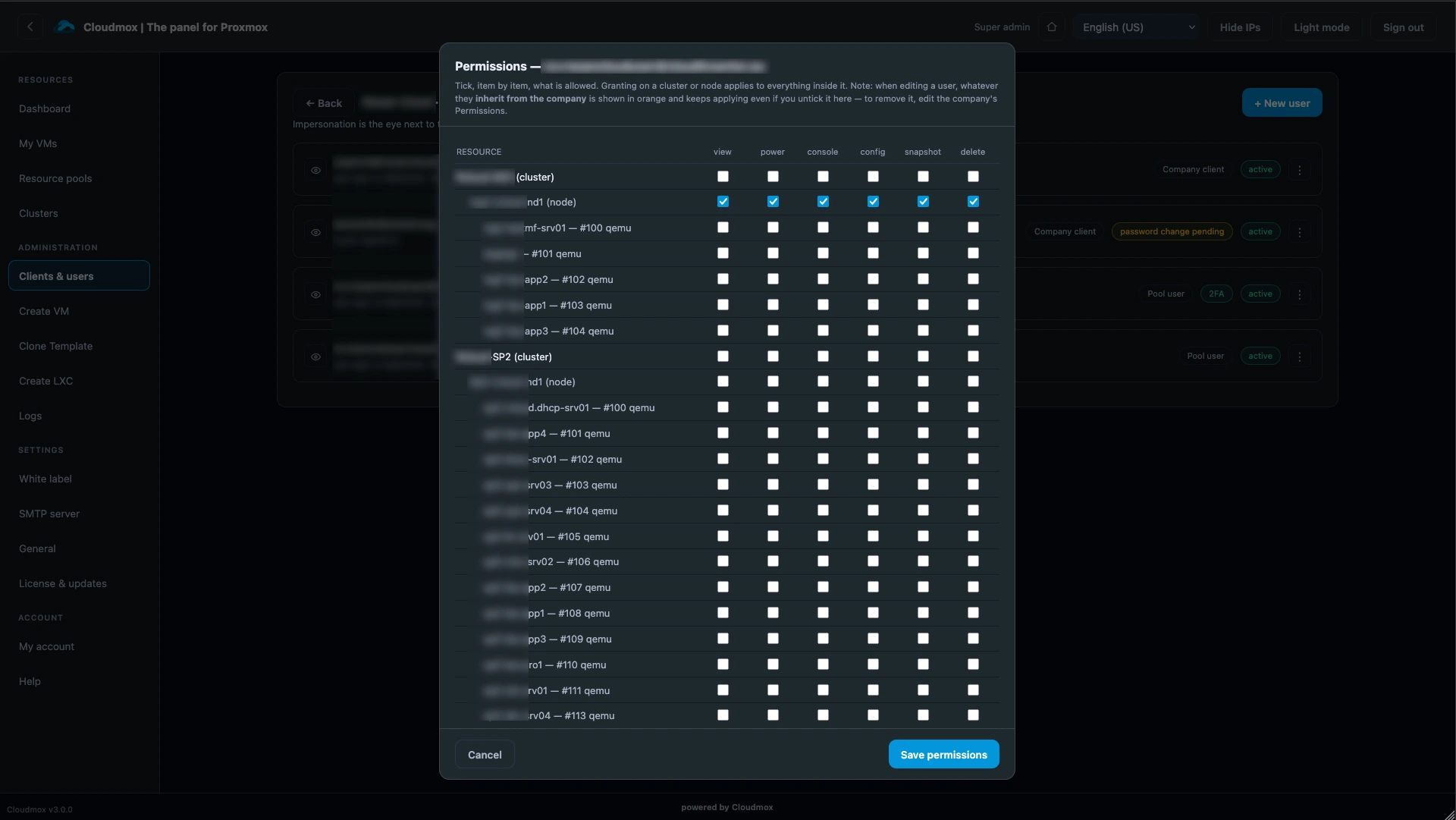
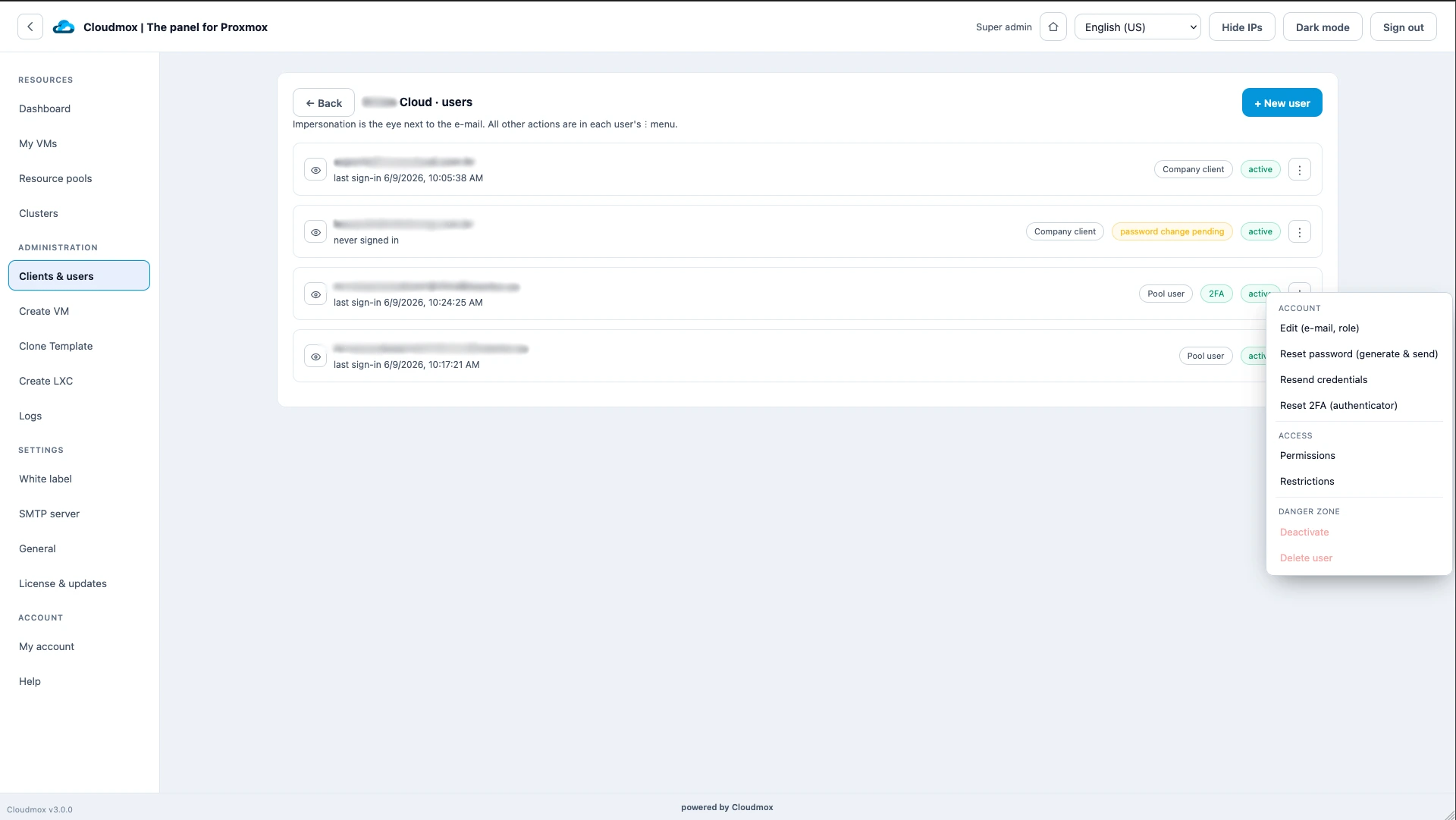
- Secure delegation of access;
- Easy management and creation of VMs;
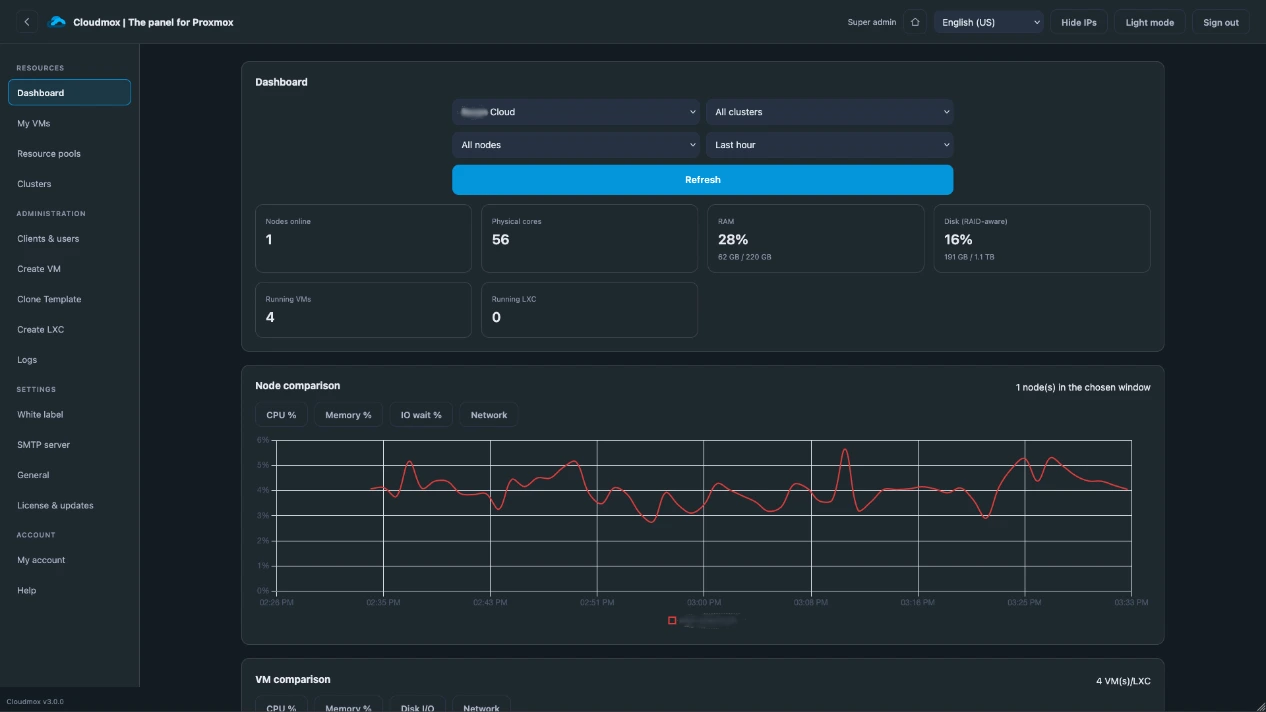
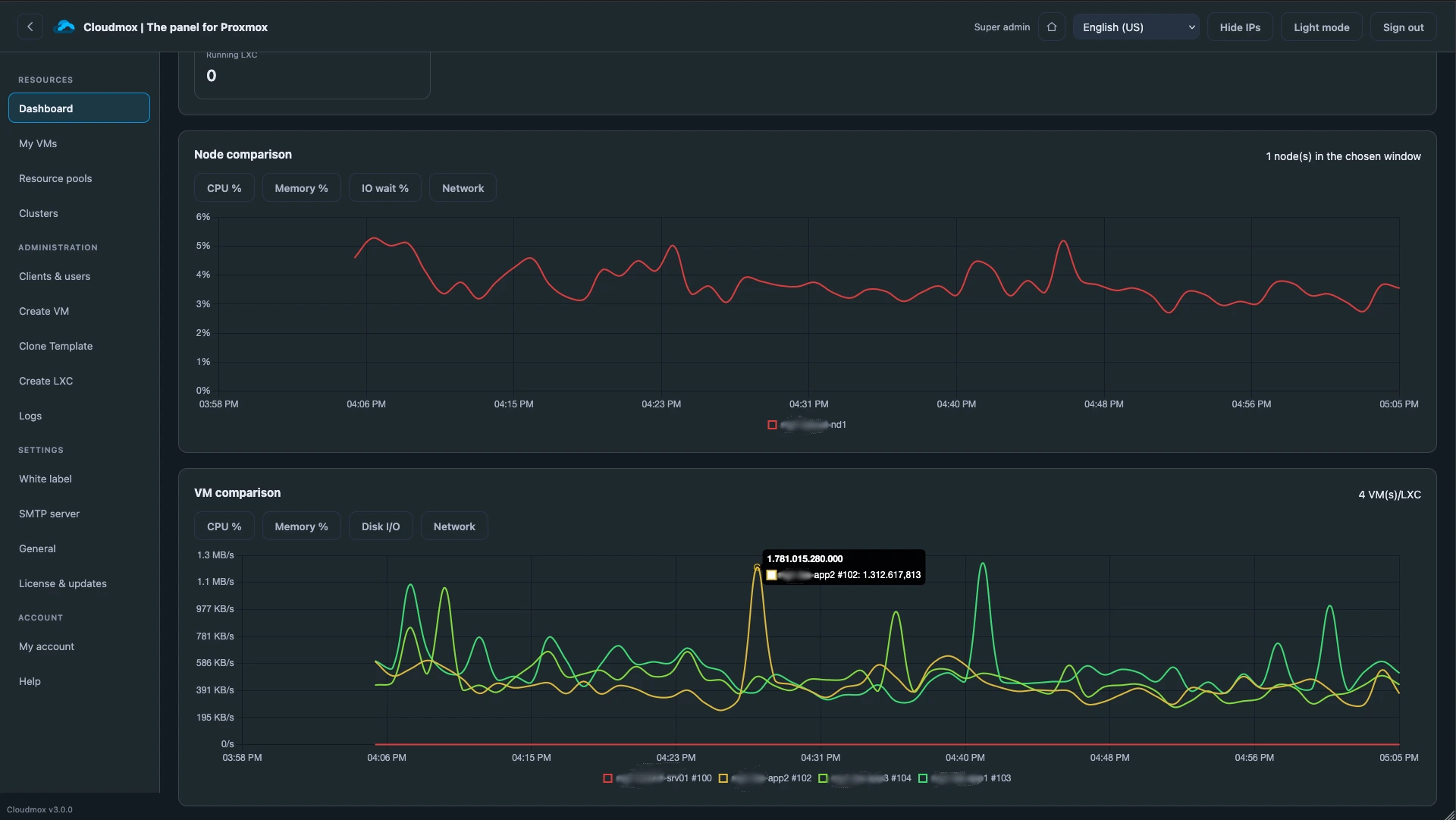
- Preventive monitoring through clear real-time graphs.


The evolution Proxmox needed
The standard Proxmox web interface works great for those who are knowledgeable about CPU options, storage, controllers, VLANs, and capacity planning. Cloudmox was created so that anyone who knows what a VM is can use it. Cloudmox provides the tools to:
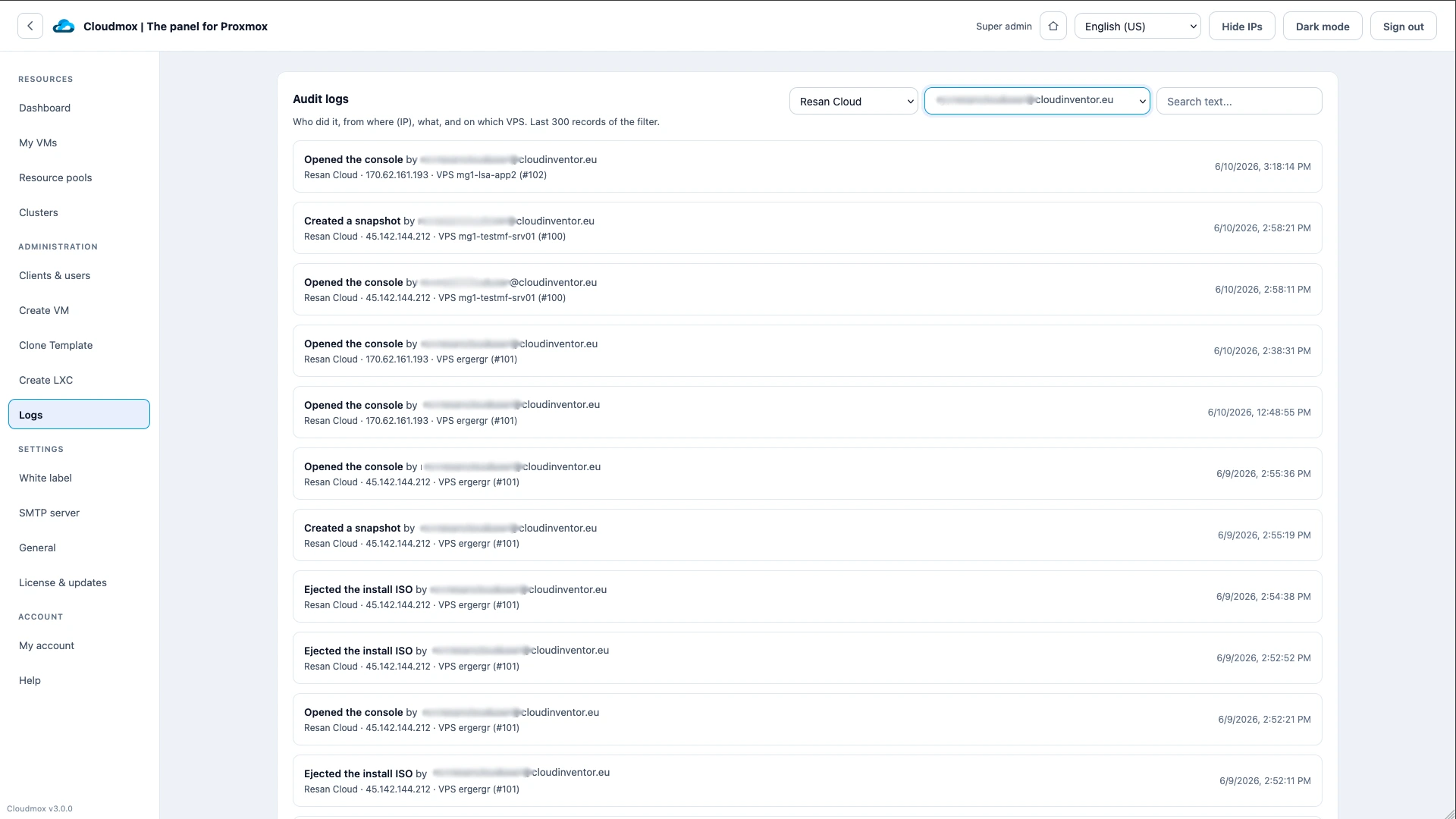
- Multitenant and multi-user environments with change logs
- No limit in the amount of nodes
- Offer users an environment in your corporate style
- Quickly deploy clusters efficiently while retaining the power of Proxmox
When do you benefit from using Cloudmox?

Replacing VMware
Broadcom's licensing changes have made vSphere hard to justify. Proxmox handles the hypervisor, HA and storage — but vCenter's multi-tenancy, delegated access and self-service portal have no direct equivalent. That's the gap Cloudmox fills. Together they cover what you had, self-hosted and on your own terms. VMware alternative.
Sell VPS-es
You want to offer VPS to customers who may be less technically savvy. Cloudmox makes this possible with its customer portal for Proxmox. Your Proxmox environment is immediately ready to sell and manage VPS and offer your customers a pleasant experience with sufficient tools.
Orchestrate VMs
Managing many VMs in Proxmox's flexible environment can become complex but not every administrator, support staff member, external party or customer needs all the bells and whistles. By only making the necessary features available, it becomes simpler and the chance of errors is significantly reduced.
Offer a Self service portal
The IT teams need to be able to pinpoint problems quickly and give users selected resources to prevent overload. Having the right information at your fingertips is essential. But also preventing misconfiguration thanks to Resource Profiles. User friendly names for infra makes rollout effortless without errors.
In control of resources
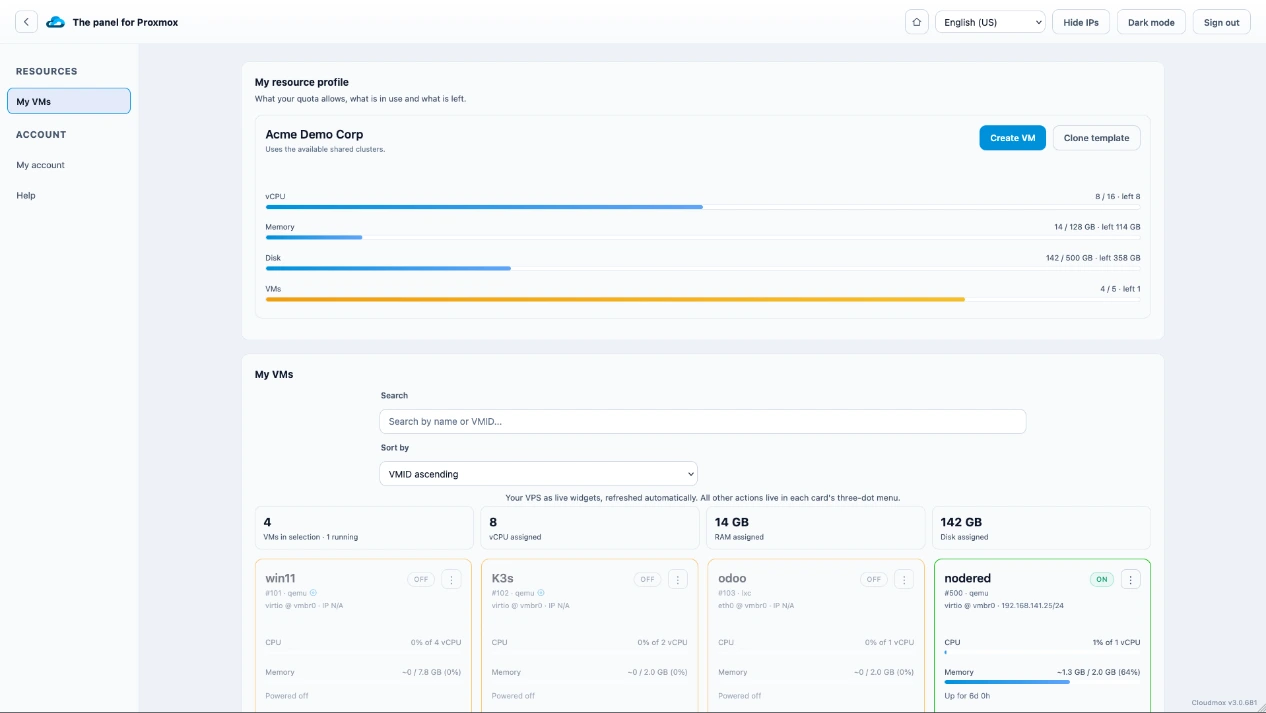
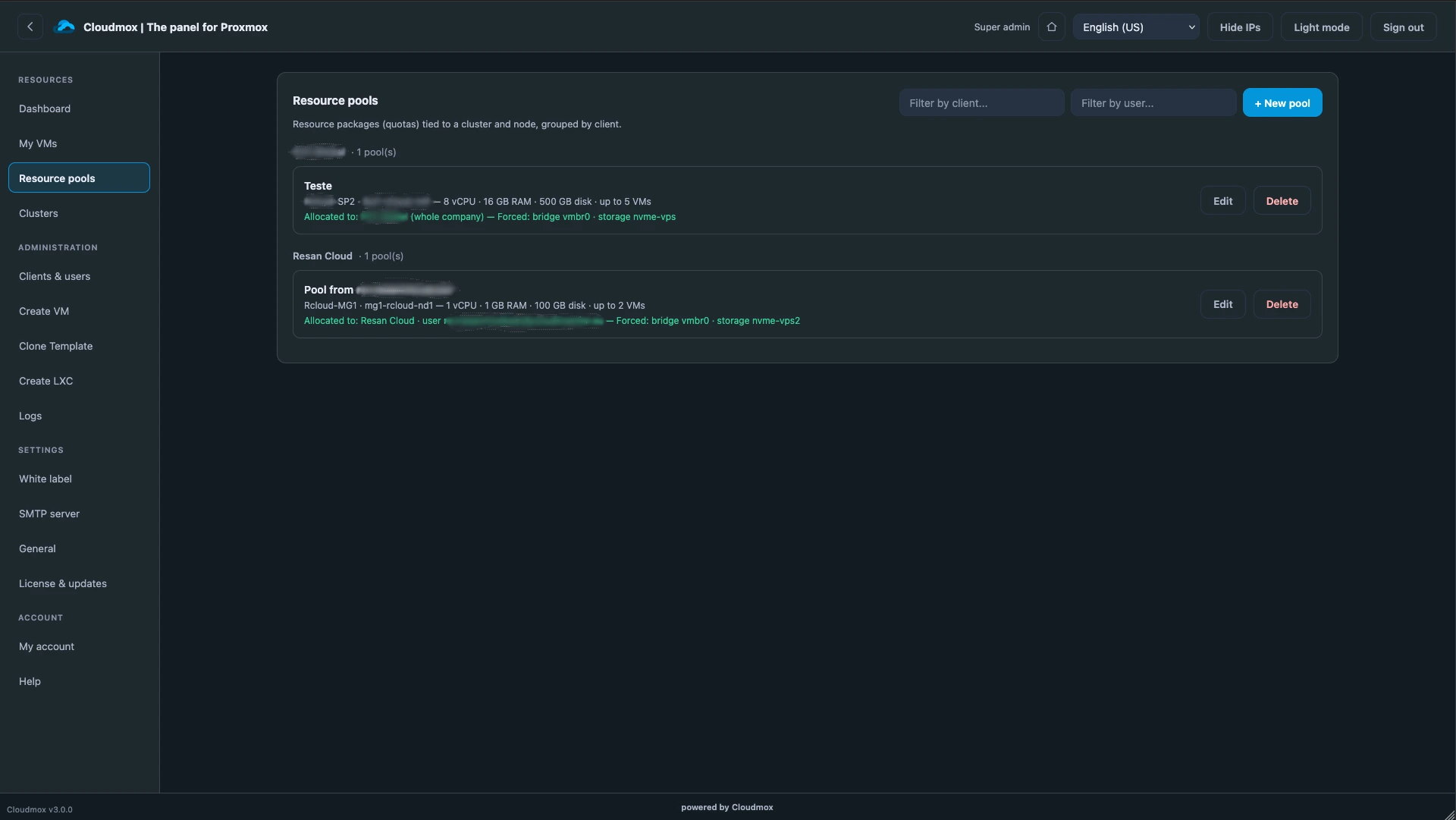
With Cloudmox you don't have to worry about overcommitting or wrong VM configurations. Give users or teams a pool of resources that they can use freely. So no more webservers for 1 visitor with 32 Gbytes of ram and a Terabyte disk on the wrong storage.
A glimps of the features:

Easy to setup as multitenant
Cloudmox is a self hosted panel installed by pasting one line. You don’t install anything on your Proxmox servers. it connects via the Proxmox API. And then you are ready to create customers, setup resource pools, set rights and give access to VM's or let them create and manage their own.

See more with better graphs
Quickly identify server or VM issues by visualising load and comparing trends over time.

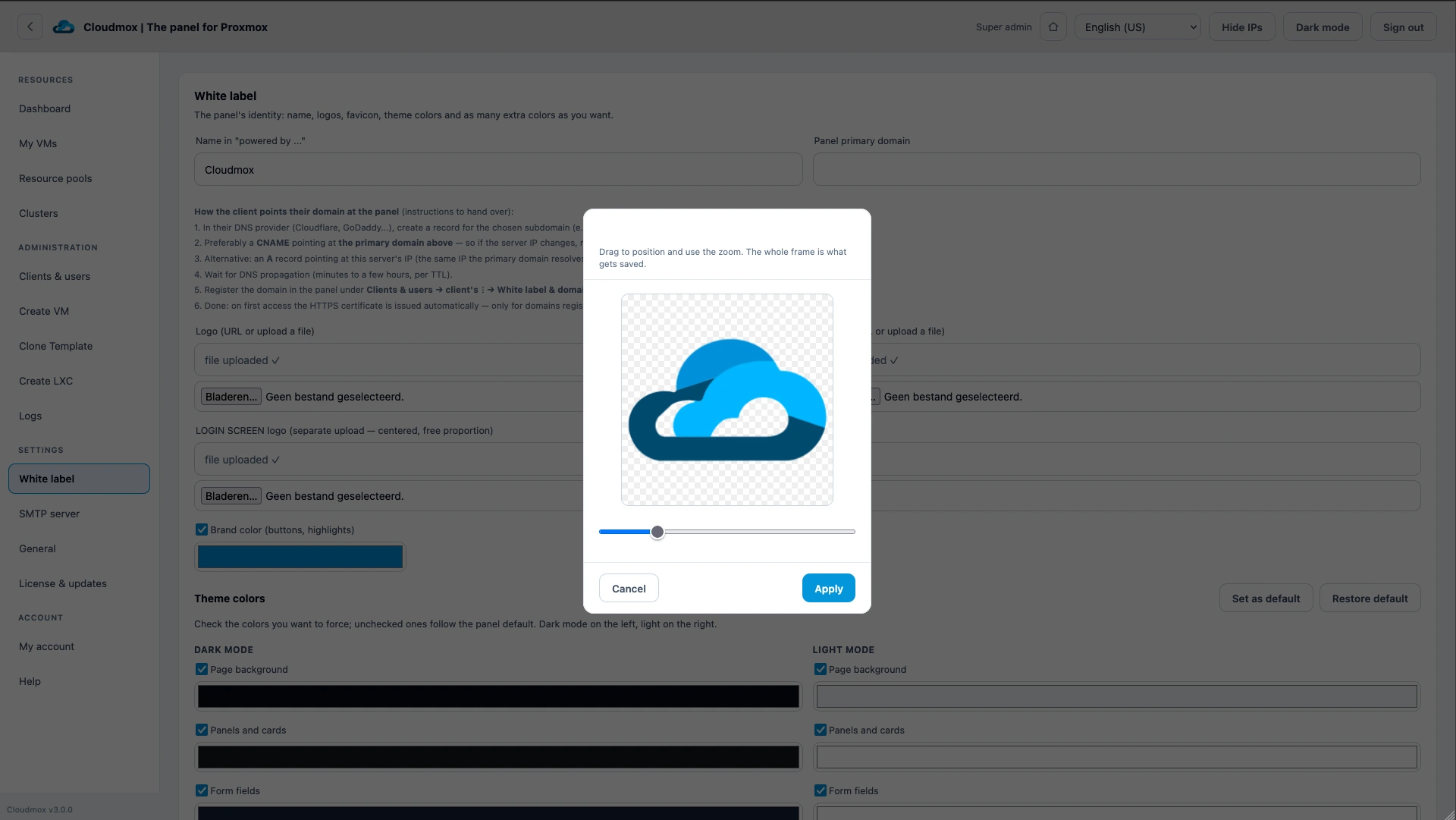
Whitelabel: Customize the dashboard to match your corporate identity
You can set colors and use your own logo. This gives your customers or employees the feeling of working in a familiar environment. You can offer white label VPS-es this way.
But your customers can do the same! Give your customers access to their VMs in their corporate branding!

Enhance security for Proxmox
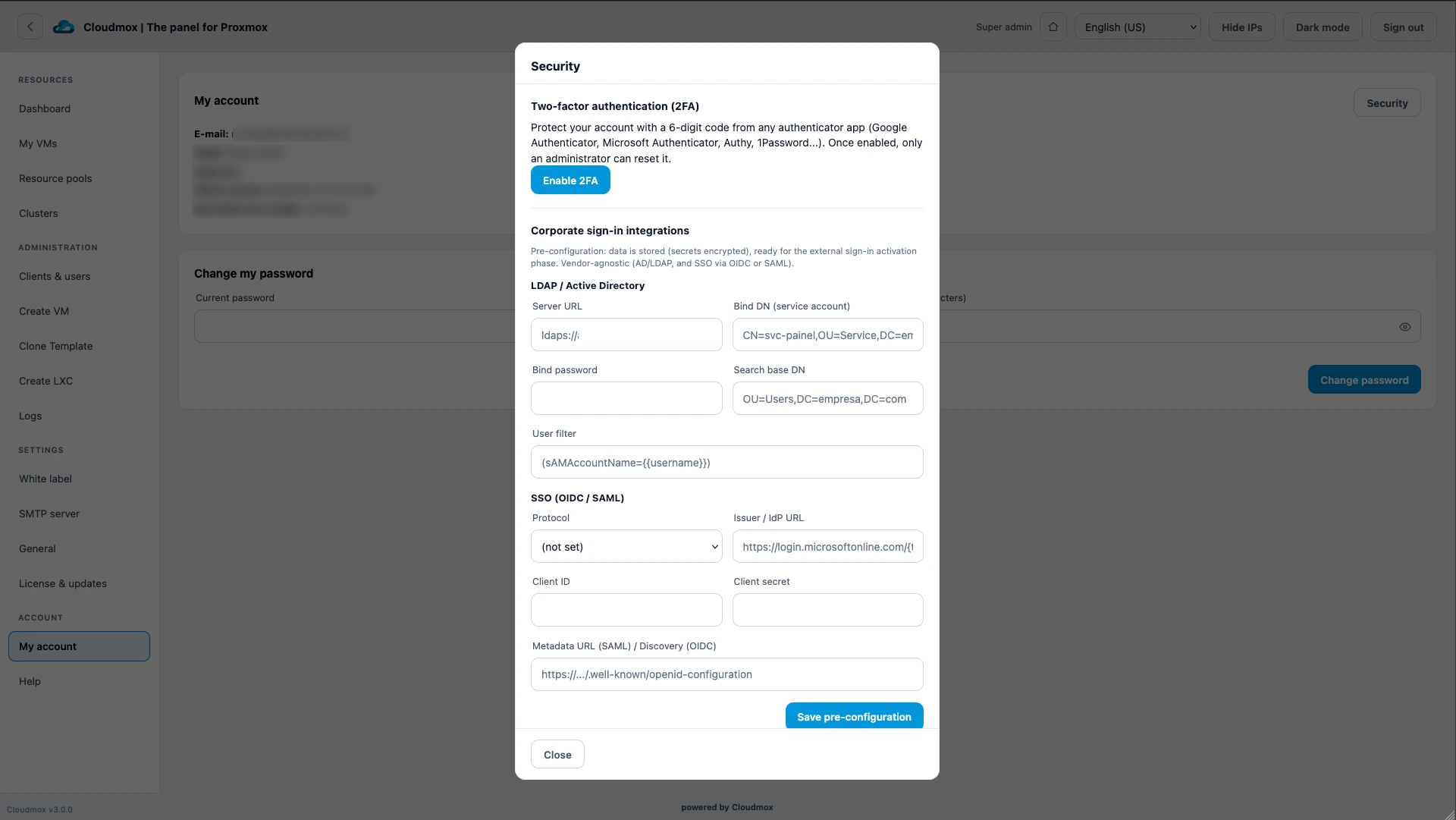
A single place to manage users and rights reduces the risk of unexpected access. Effortlessly protect your Proxmox environment against user errors and incorrectly set permissions. Besides that, you don't have to open up your infrastructure to the world. One safe and locked-down entrance to your Proxmox resources.

Present a cleaner interface
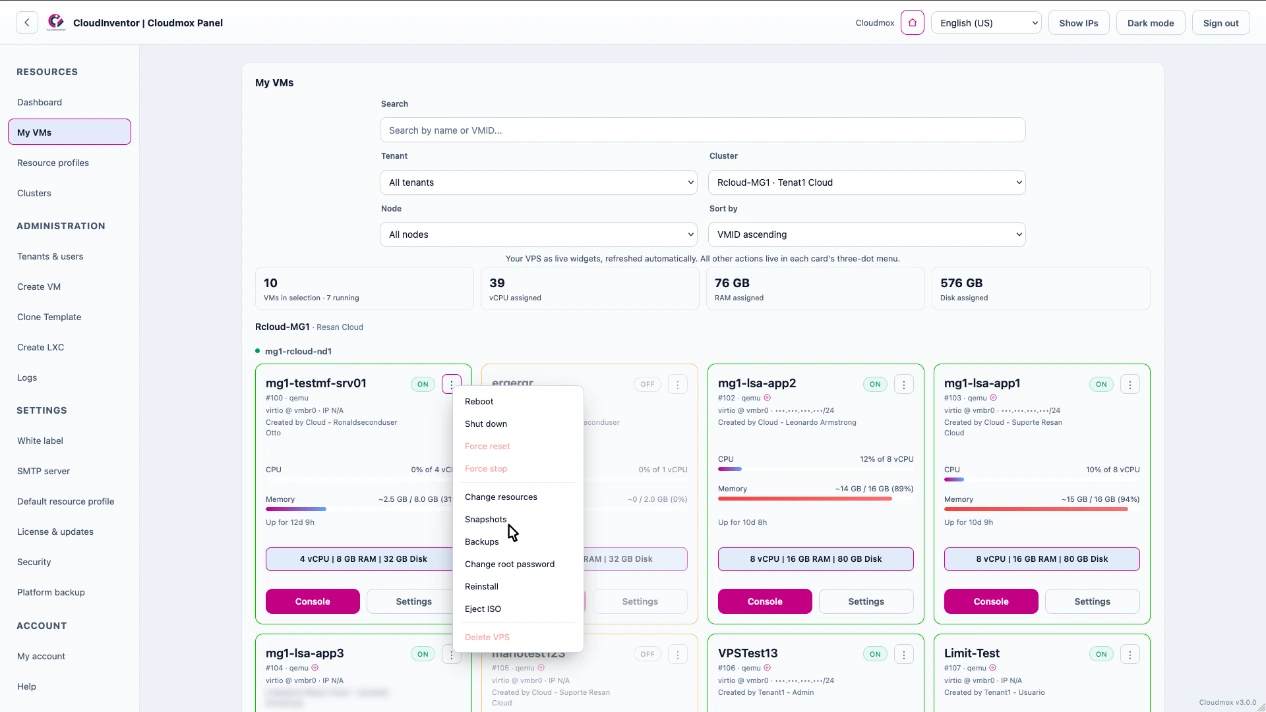
A streamlined interface improves customer experiences. Simplicity is key. The admin can make sure everyone only see the functions they need. This will reduce support request and prevent customers from configuring VM's with unsupported settings.

Easy onboarding
You do not want to setup every new tenant by hand and configure how they may use your infrastructure.
So instead of forcing VM settings with rights, we use flows. You create a profile of your nodes/clusters. During the flow of a VM creation, those settings are used. This way you can mix clusters with different networking and storage, but always have VMs that fits to the node it is created on. Hence you can have hundreds of nodes but offer it as one big cloud.
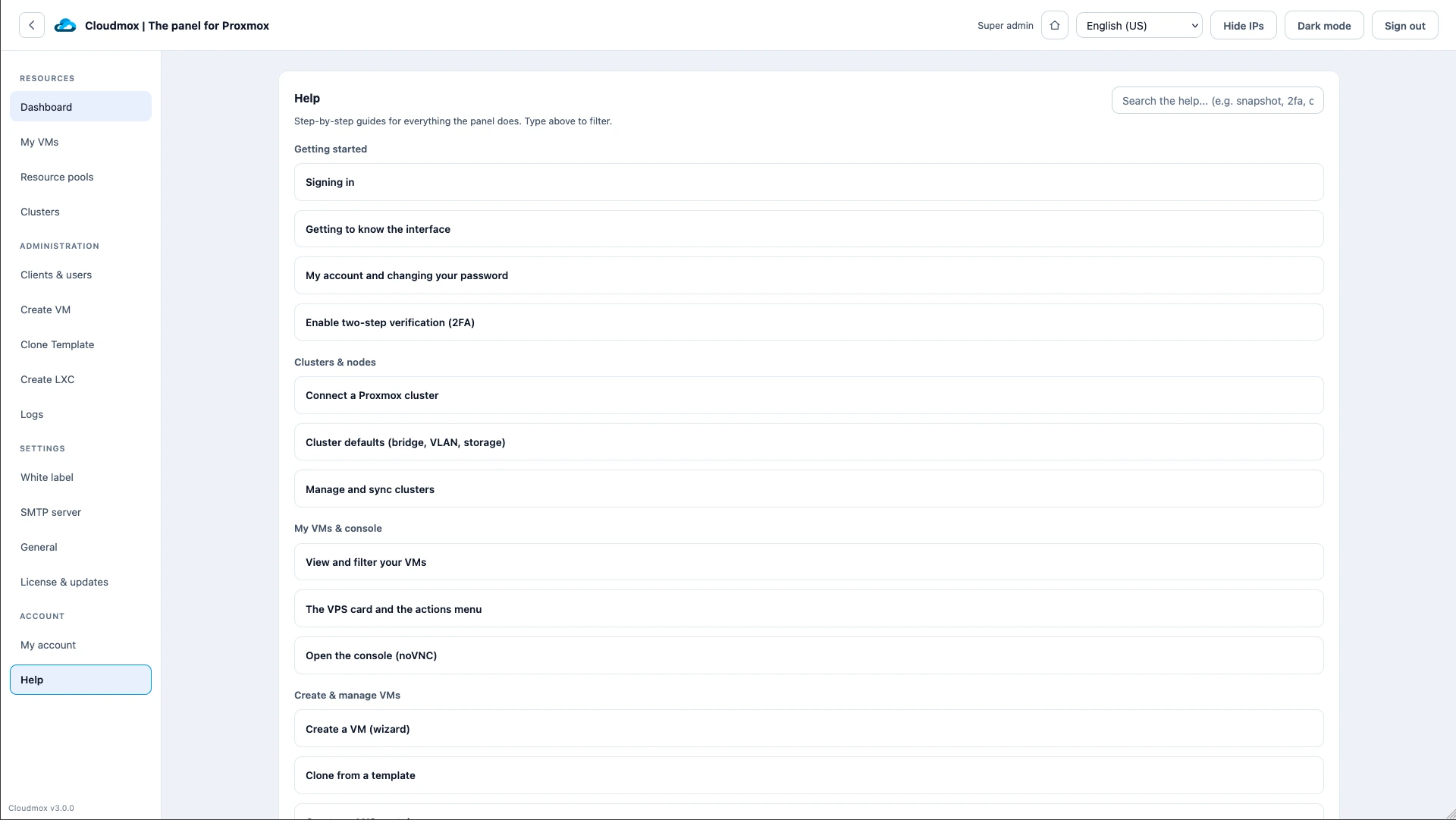
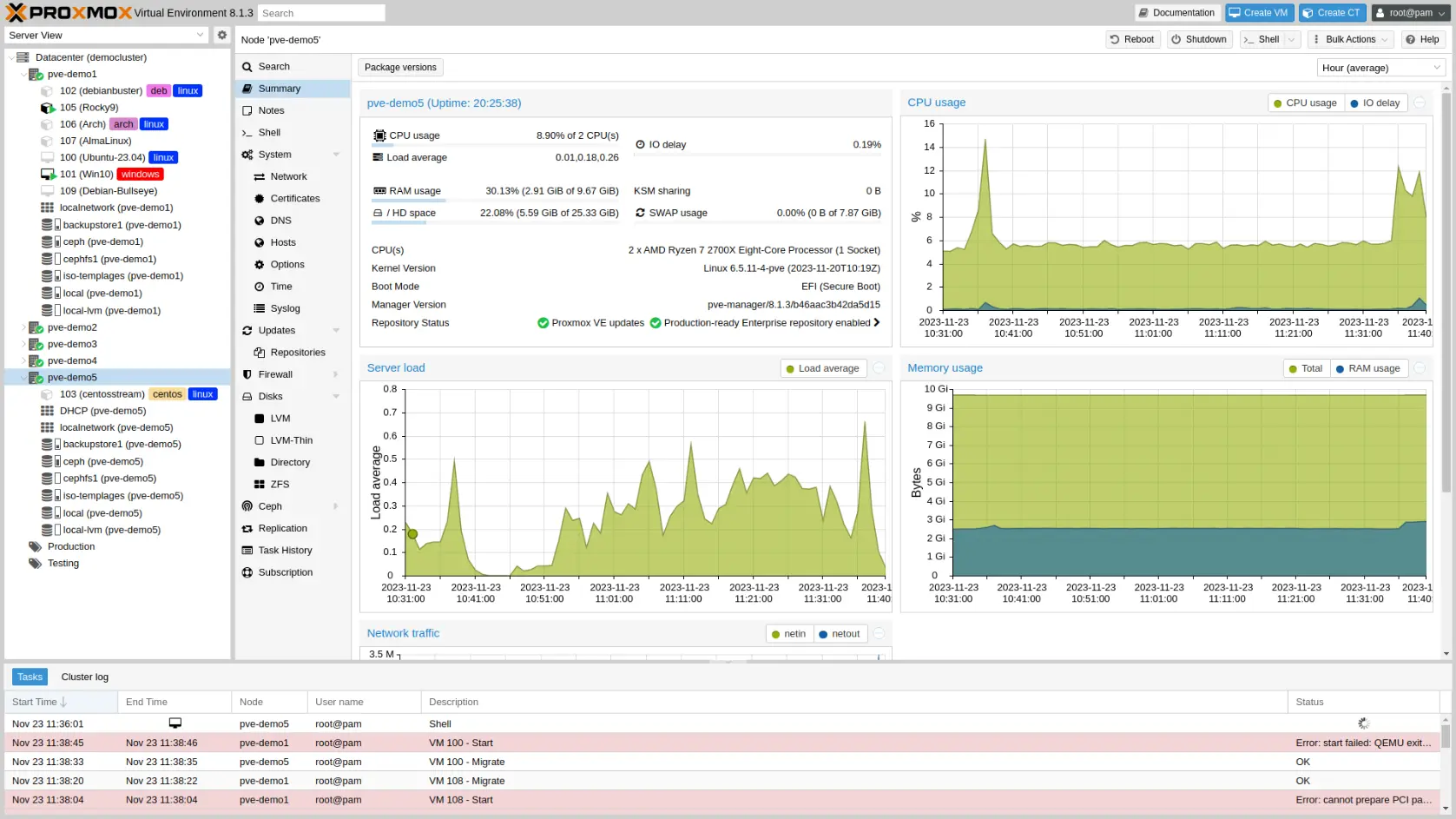
Some screenshots
FAQ
We know that we can't put all the information in one page. So here are some frequently asked questions.
If you have any more questions, don't hesitate to contact us!
Yes. One of the main reasons to use it. It makes Proxmox customer aware. And that gives the possibility to do billing via the Cloudmox API. Thus you can create customers and users. It is a whitelabel panel than can even be used for selling VM's. Even your tenants can get a white label page and use their own mailserver for outgoing mail
We confidently say yes. You can read more about how we replace VMware here.
The Tenant part is even more sophisticated in Cloudmox. And combination with Proxmox and the Proxmox Datacenter Manager, you have all the features that you need to run a solid stable scalable infrastructure. Proxmox takes care of HA, DRS, Storage. Add Cloudmox and you can use multiple clusters as one and offer a customer friendly interface. So there is basically no limit in the size of resources and storage or ways to give multiple tenants access to Proxmox VMs and containers.
You can set colours, upload an logo and set your own URL, so yes, it is whitelabled. Even your tenants can get a white label page and use their own mailserver for outgoing mail.
Yes they can. We made sure that VMs are always created conform your best practices. You can create customers and give them a pool of resources. What they get to see when a VM is created is up to you. You can name interfaces, storage and ISO's. So no technical overload for your customers.
No. That is precisely what you don't want. If you add a cluster to CloudMox, you can manage access and rights to nodes and VM's from within CloudMox. That will save a lot of time and is a lot safer. Should an employee leave, just disable the account, and all infra is inaccessible to them. Also, 2FA is more accessible for the user.
Yes. It runs on Debian/Ubuntu and can be installed with one line.
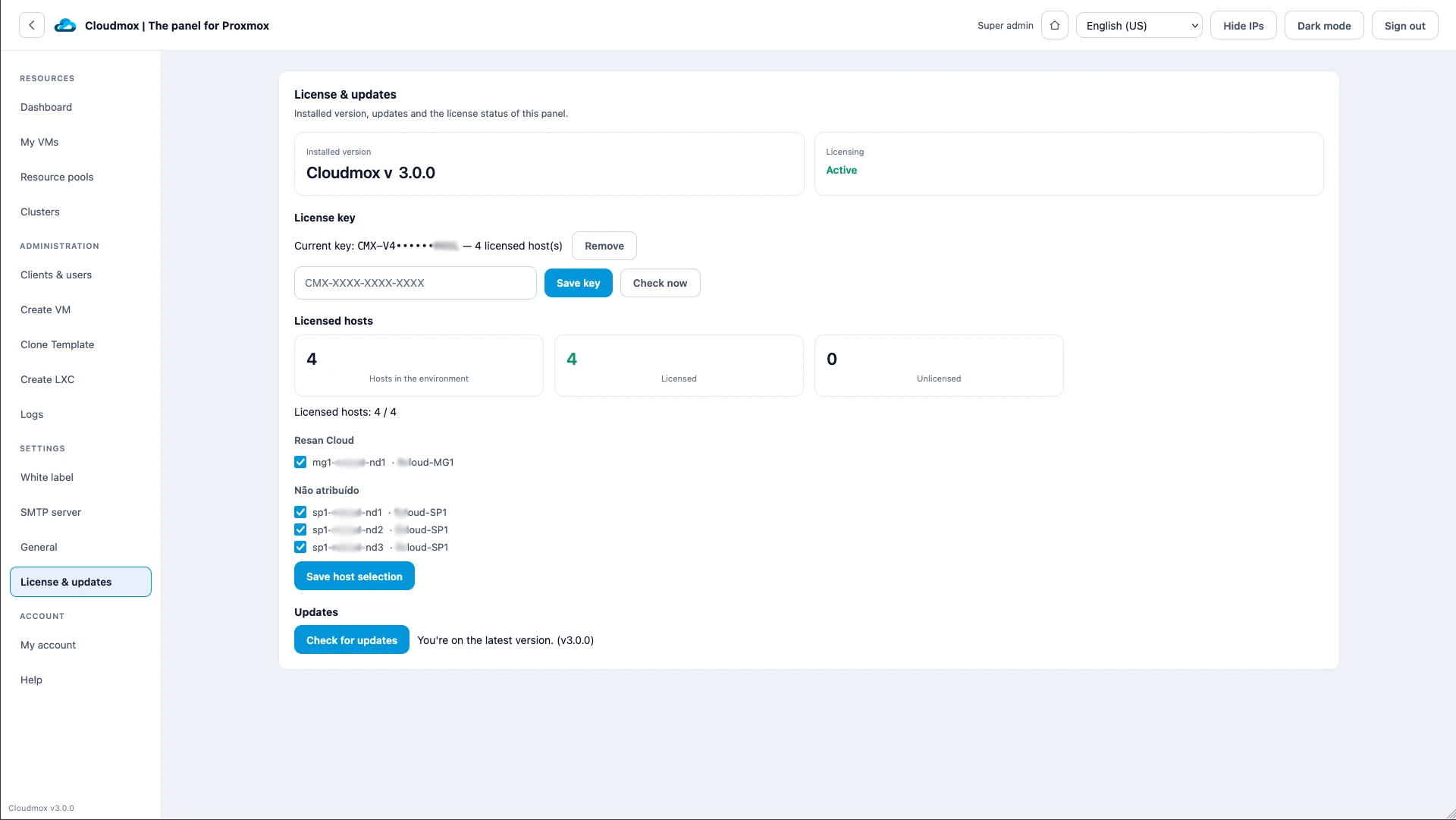
It is billed upfront per node per month or year in Euro's with reversed VAT (except for NL customers). When you need an extra subscription for a new node, you can up the subscription. Extra nodes are billed afterwards the first time (you can use the subscription immediately). We do not count any users, VM's, tenants or extra's for support or help with configuration.
No. CloudMox uses the Proxmox API and does not change anything to your configurations. Your Proxmox engineers can always use the Proxmox or Proxmox Datacenter Manager web interface.
Within Cloudmox there is a backup and restore option. So you can reinstall really easy and restore the backup.
Proxmox is the single source of truth so importing is not necessary. If you connect a node, all resources will be visible. You just have to assign them to a tenant or user. Thus, Cloudmox will never break your Proxmox configuration and changing something directly in Proxmox won't break Cloudmox.
Our partners





Transform Proxmox VE from tech savvy to (end)user friendly
See how it works!
Want to know how it works? There are just a few steps to take to get started.